

|
|
|
|
|
|
|
|
|
|
| 8 X3D Models | X3D Model Descriptions | |
|---|---|---|

|
AliasingExample | Illustrates the effect of aliasing (tearing) by the coplanar overlap of two cubes with different colors. |
|
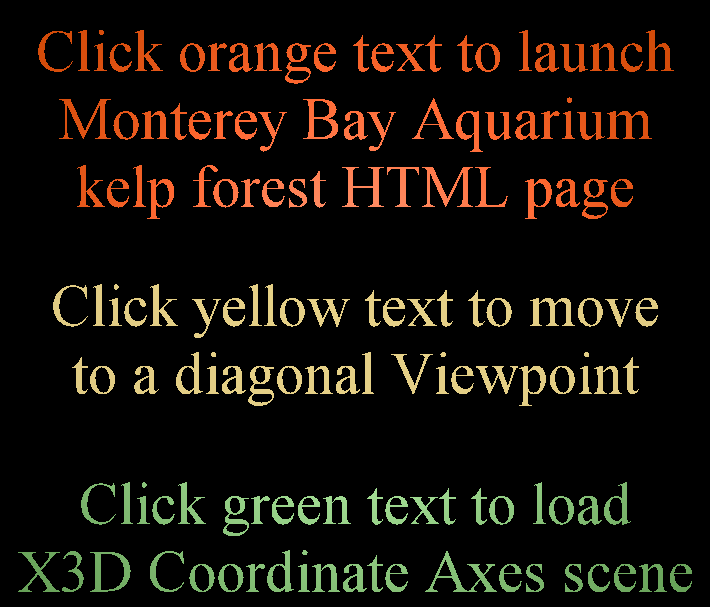
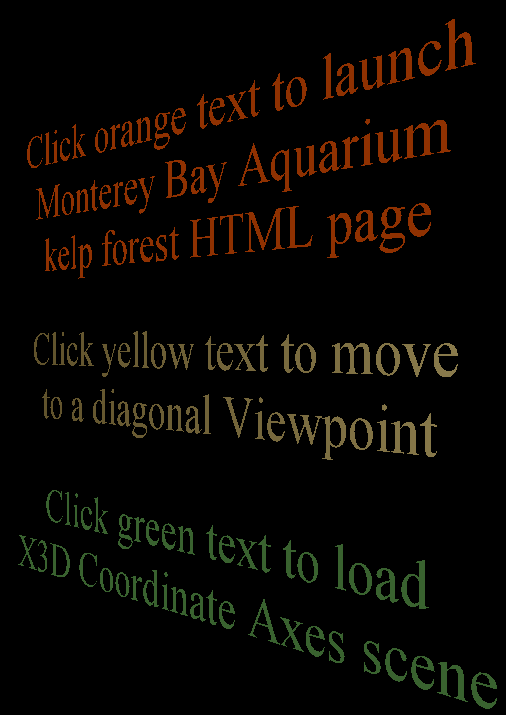
AnchorComparison | Anchor-node examples comparing HTML page launch, shifting Viewpoints, and loading another X3D scene. |
|
AnchorExample | Anchor example using the Kelp Forest world. |
|
BillboardExample | Illustrates Billboard operation using Kelp Forest example scenes for Figure 4.4, X3D for Web Authors. |
|
BindingOperations | Illustrate Viewpoint binding operations (in gory detail!) as described in Chapter 4 concepts. Scene design: a TimeSensor clock drives and IntegerSequencer for each t0/t1/etc. event, and a customized Script node sends bind/unbind events to the correct Viewpoint. Display the browser console to see occurrence of each event. |
|
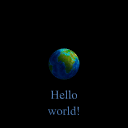
CollisionExample | Illustrate Collision node operation: set Collision enabled="true" to block user navigation through the Kelp Forest tank glass. |
|
NavigationInfoExample | This example provides three Viewpoint nodes bound to corresponding selectable NavigationInfo nodes that override navigation modes in the Hello World example, superseding default NavigationInfo type provided in that contained Inline model. To test this model, change viewpoints and then try to navigate each time, noting the new navigation mode. |
|
ViewpointExample | Viewpoint example added to Kelp Forest world. |
|
Online at https://www.web3d.org/x3d/content/examples/X3dForWebAuthors/Chapter04ViewingNavigation
|
The X3D Resources: Examples page and X3D Developers Guide provide more information about the production of this archive.
|
|
|
|
|
|
|
|
|