| 16 X3D Models |
X3D Model Descriptions |
|
BlenderDefaultBox
|
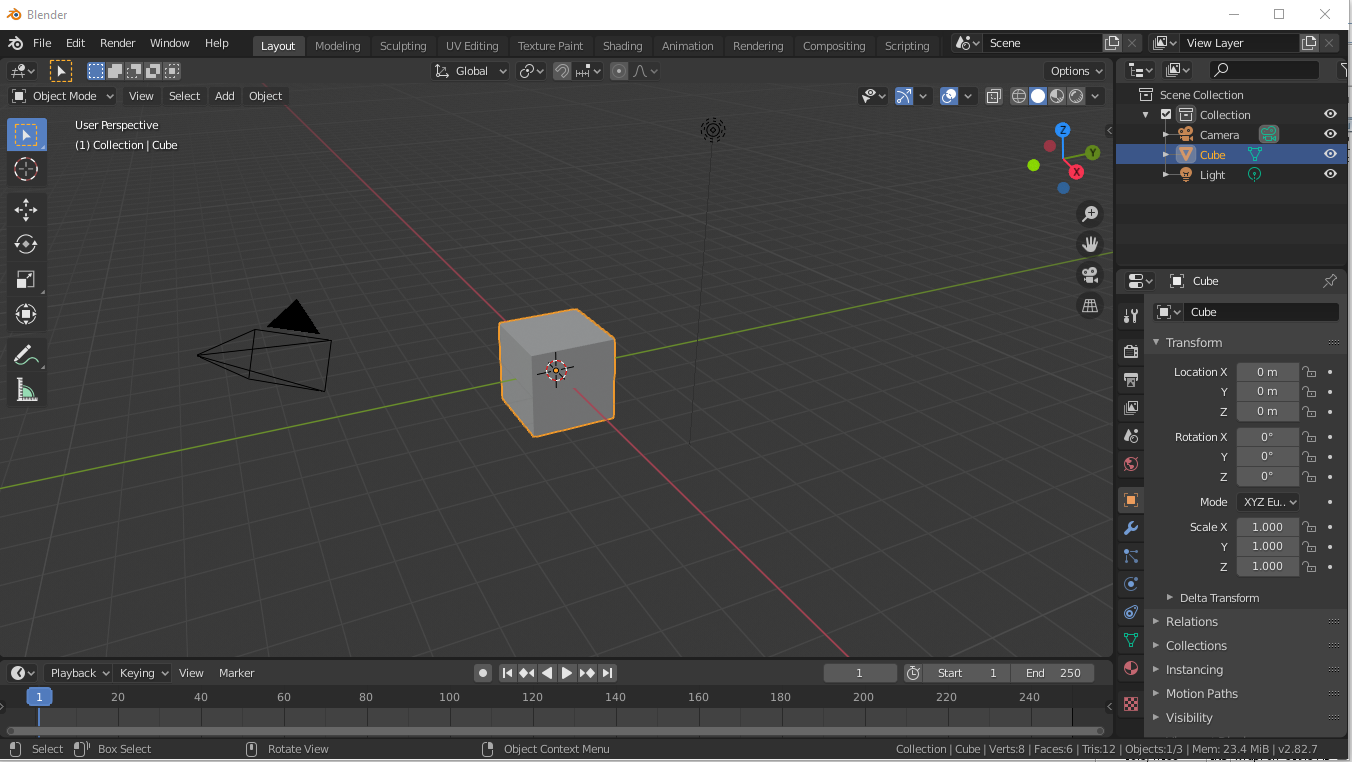
Blender default box exported to X3D, with adjustments and cleanups to illustrate best practices for authoring. After launching Blender use menu items File, Export, X3D. |

|
BlenderFishHead
|
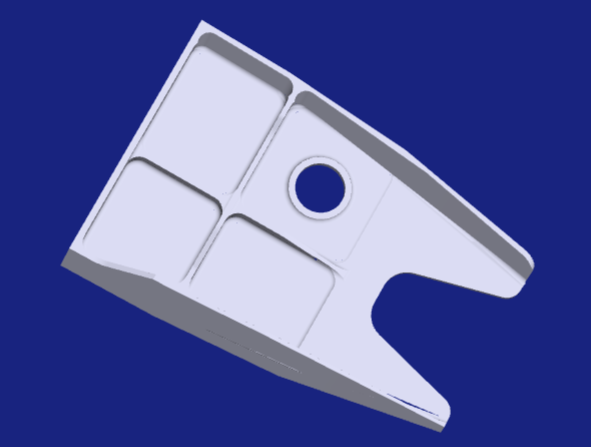
Blender model import and export of Fish Head model. |
|
BlenderMonkeySuzanne
|
Export Blender Suzanne monkey. |
|
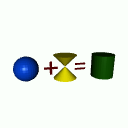
BlenderX3dTheorem
|
The simple scene was created in Blender using Blender modelling capabilities (Blender 5.0.1) and exported to X3D using the standard X3D/VRML Blender import/export extension. |

|
NetfabbFishHeadCorrected
|
Corrected version of exported model: test Netfabb import and export with simplest mesh closed solid. |

|
NetfabbFishHeadExported
|
Exported model: test Netfabb import and export with a STEP part shape used to demonstrate computer-aided manufacturing processes. |

|
NetfabbTetrahedronCorrected
|
Corrected version of exported model: test Netfabb import and export with simplest mesh closed solid. |

|
NetfabbTetrahedronExported
|
Exported model: test Netfabb import and export with simplest mesh closed solid. |
|
NetfabbTetrahedronOriginal
|
Original model: test Netfabb import and export with simplest mesh closed solid. |
|
OpenJSCadLogo
|
OpenJSCAD logo model demonstrating programmatic scripting for solid modeling in Javascript with user-editable parametric models, Web-based editing and STL/X3D export. |
|
PhysicalMaterialNormalMap
|
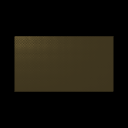
Example of PhysicalMaterial node to give appearance of brass metal, converted from Blender source. This example material uses normal map defined by ImageTexture to show indentations. This file was generated from a Blender scene exported to glTF, then converted to X3D by Castle Model Viewer. Additional editing by X3D-Edit to achieve conformance with X3D V4 |
|
SpriFishHeadOriginal
|
Original model: test tool import and export with a STEP part shape used to demonstrate computer-aided manufacturing processes. |
|
SpriStepAS1PE203
|
KShell Step Prolog Restful Interface (SPRI) model export of STEP reference file AS1-PE-203. |
|
TinkercadX3dExtrudedTextCreationGLTF
|
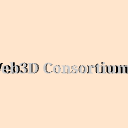
Extruded text using TinkerCad export to glb (binary glTF) and then X3D Inline loading. |
|
TinkercadX3dExtrudedTextCreationOBJ
|
Extruded text using TinkerCad export to glTF and then X3D Inline loading. |
|
TinkercadX3dExtrudedTextCreationSTL
|
Extruded text using TinkerCad export to glTF and then X3D Inline loading. |